
Lightweight design.A closer look.
Explore the home screen, collections, frame colours and customisation details, then discover brand stories and design collaborations. Choose an entry below to browse the original mini program interface.

Room for every detail.
A closer look at the original LINDBERG mini program, from its home screen and collections to product details, search and brand stories.
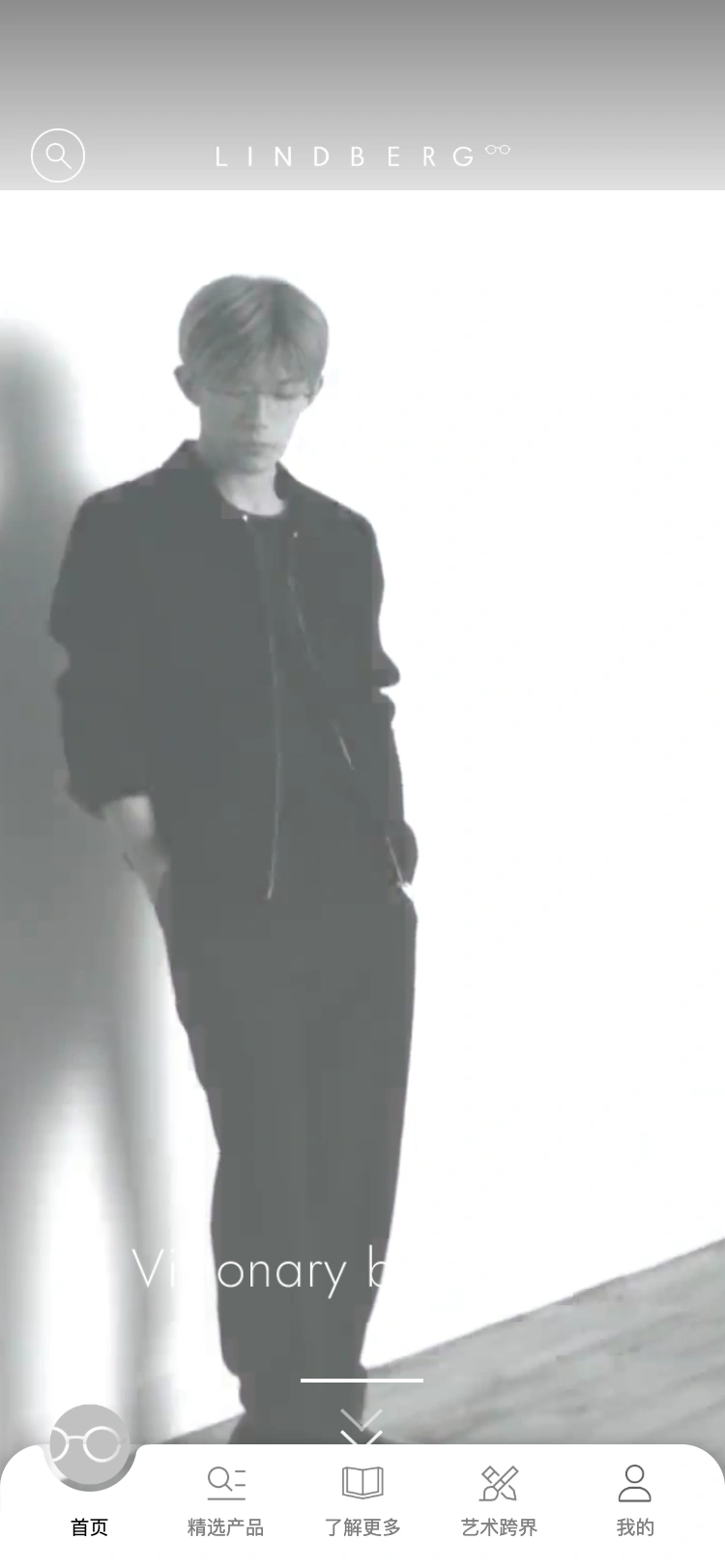
Brand home
A brand film opens the journey to featured collections and new arrivals.
Explore the collections
Titanium, precious metal and special editions provide clear entry points.
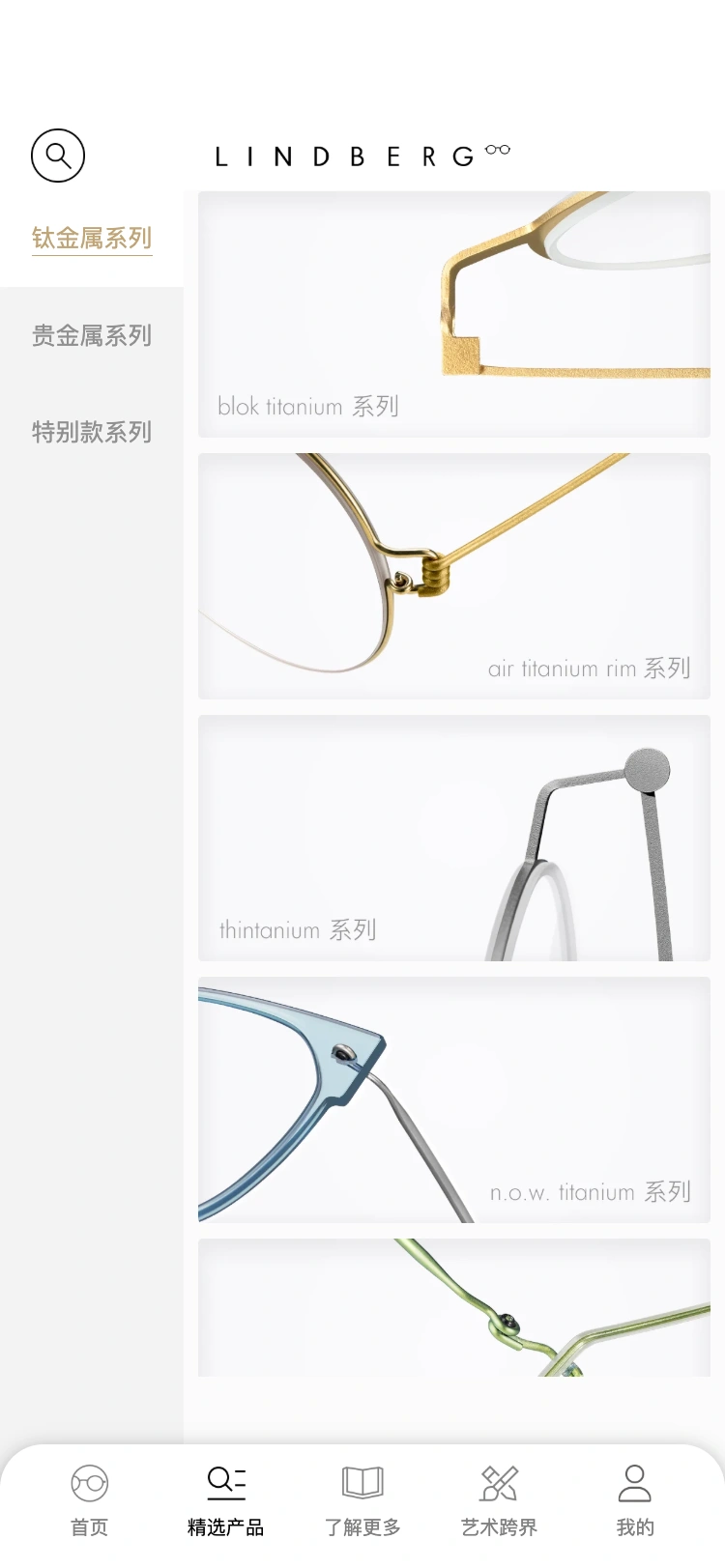
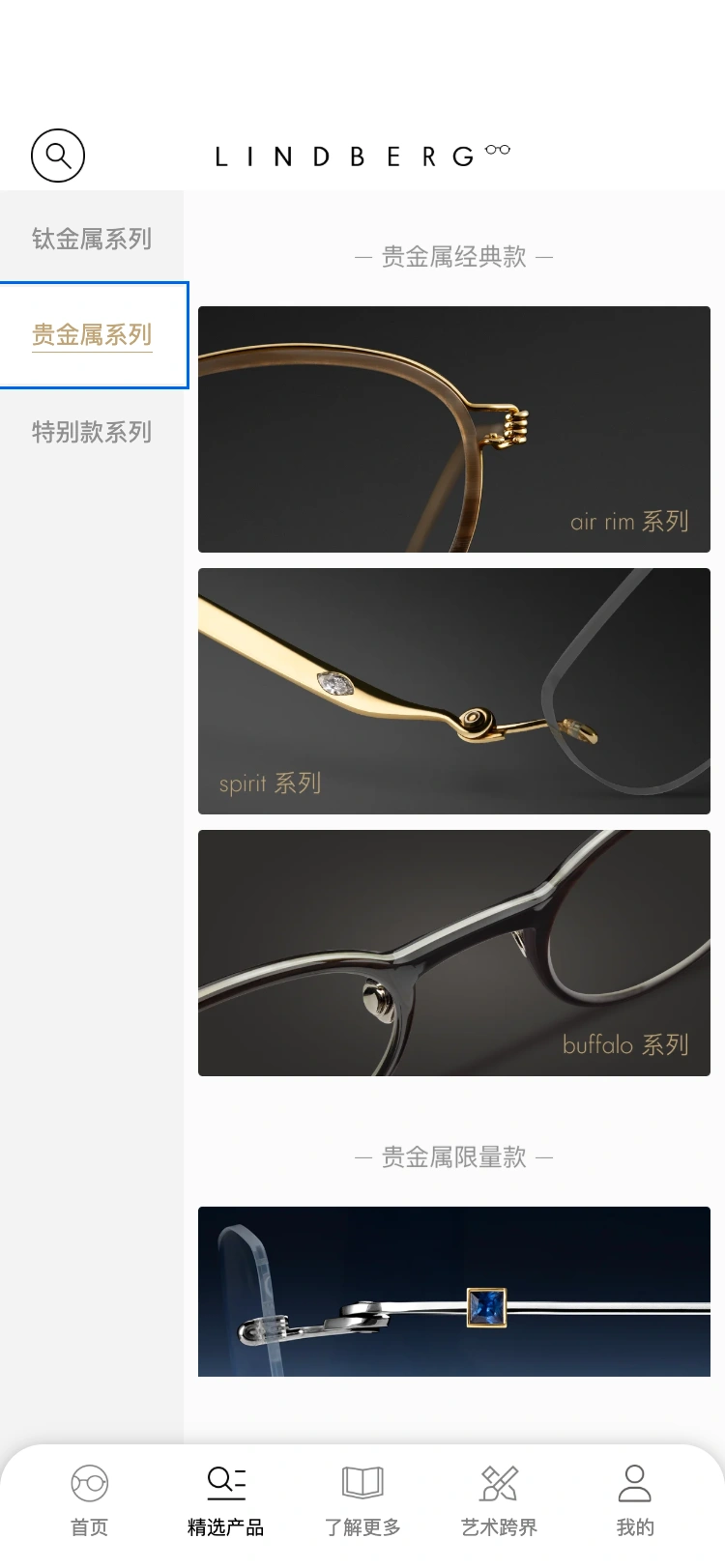
Precious metal collections
Category navigation brings different materials and designs into view.
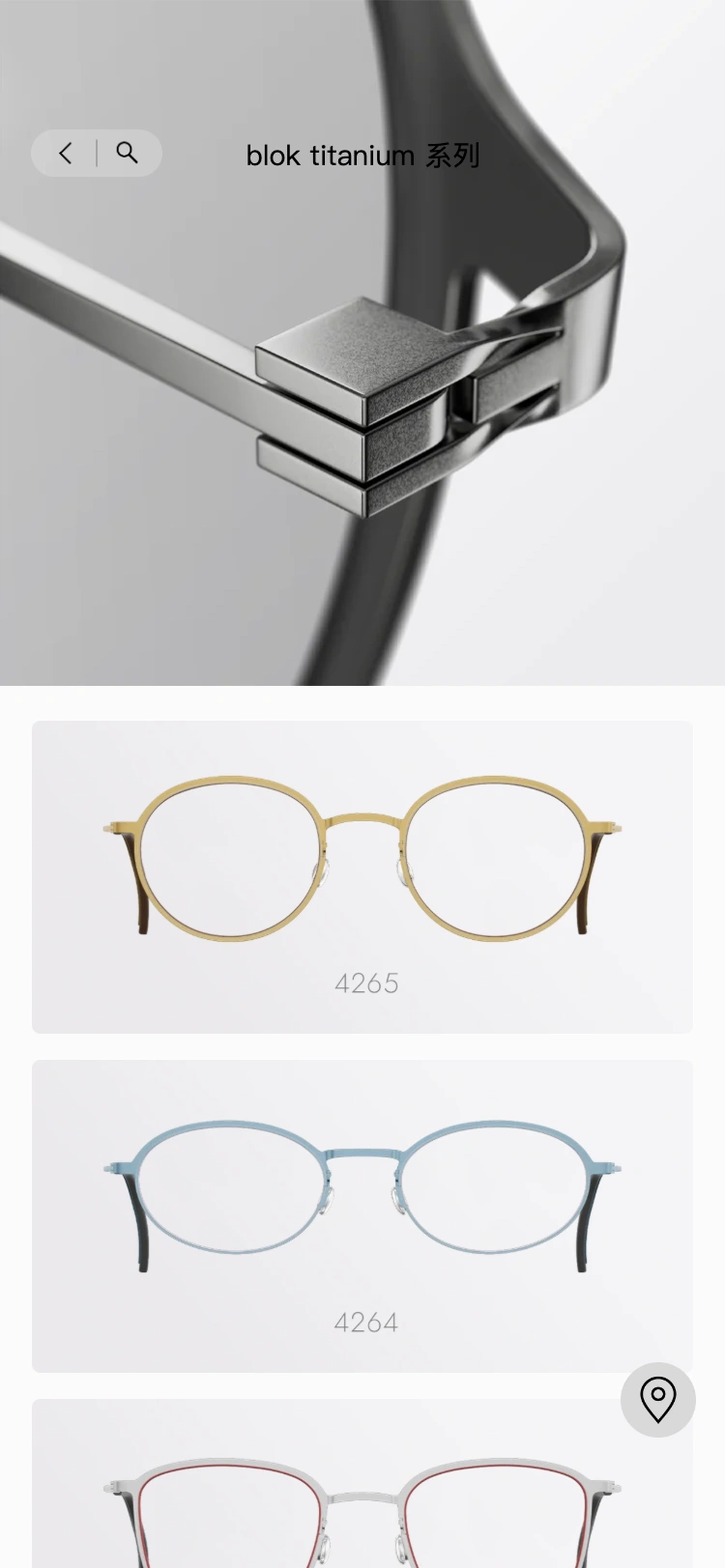
Inside blok titanium
Move from the collection story to individual frames.
A closer look at a frame
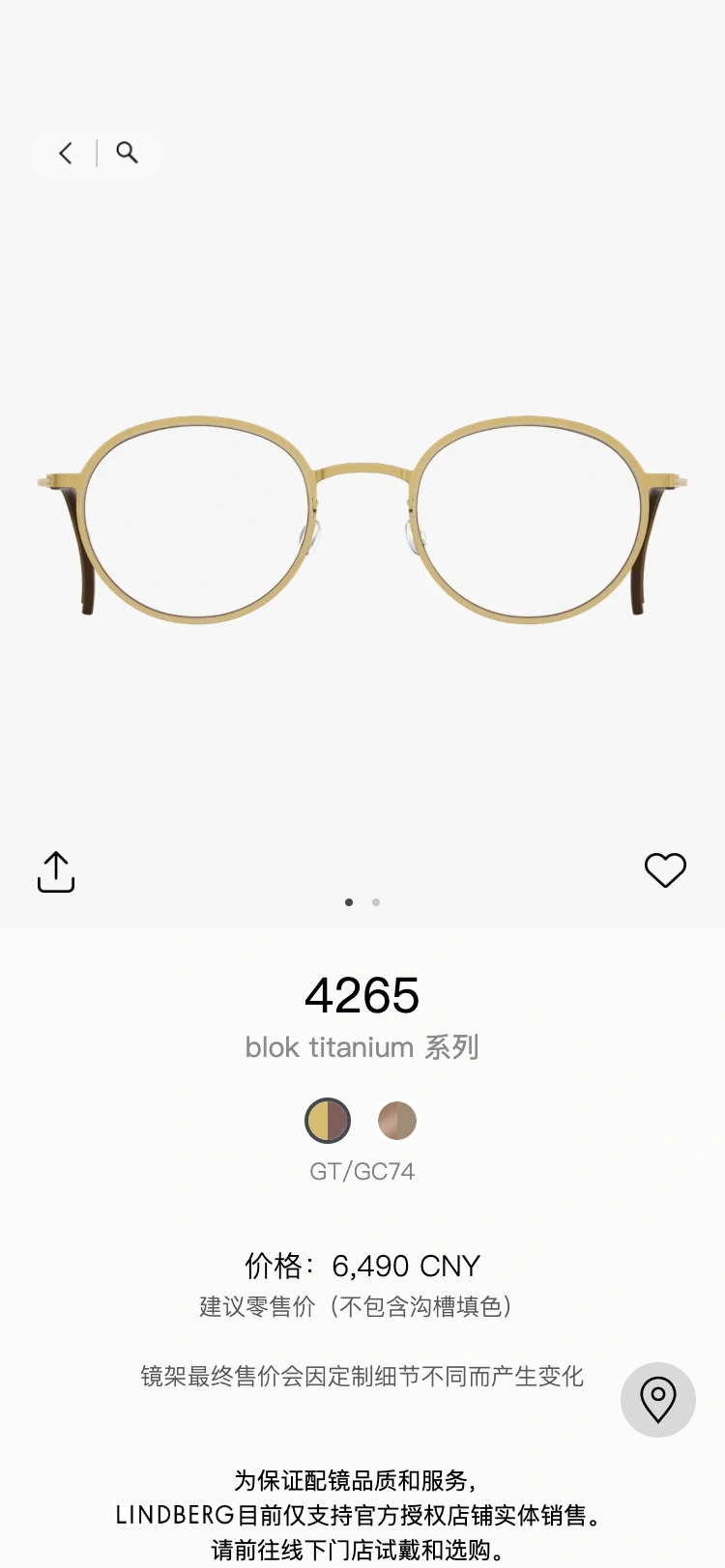
Product details bring together imagery, colours and recommended retail pricing.
Choose a colour
Colour selection updates the frame image and colour reference.
Understand the details
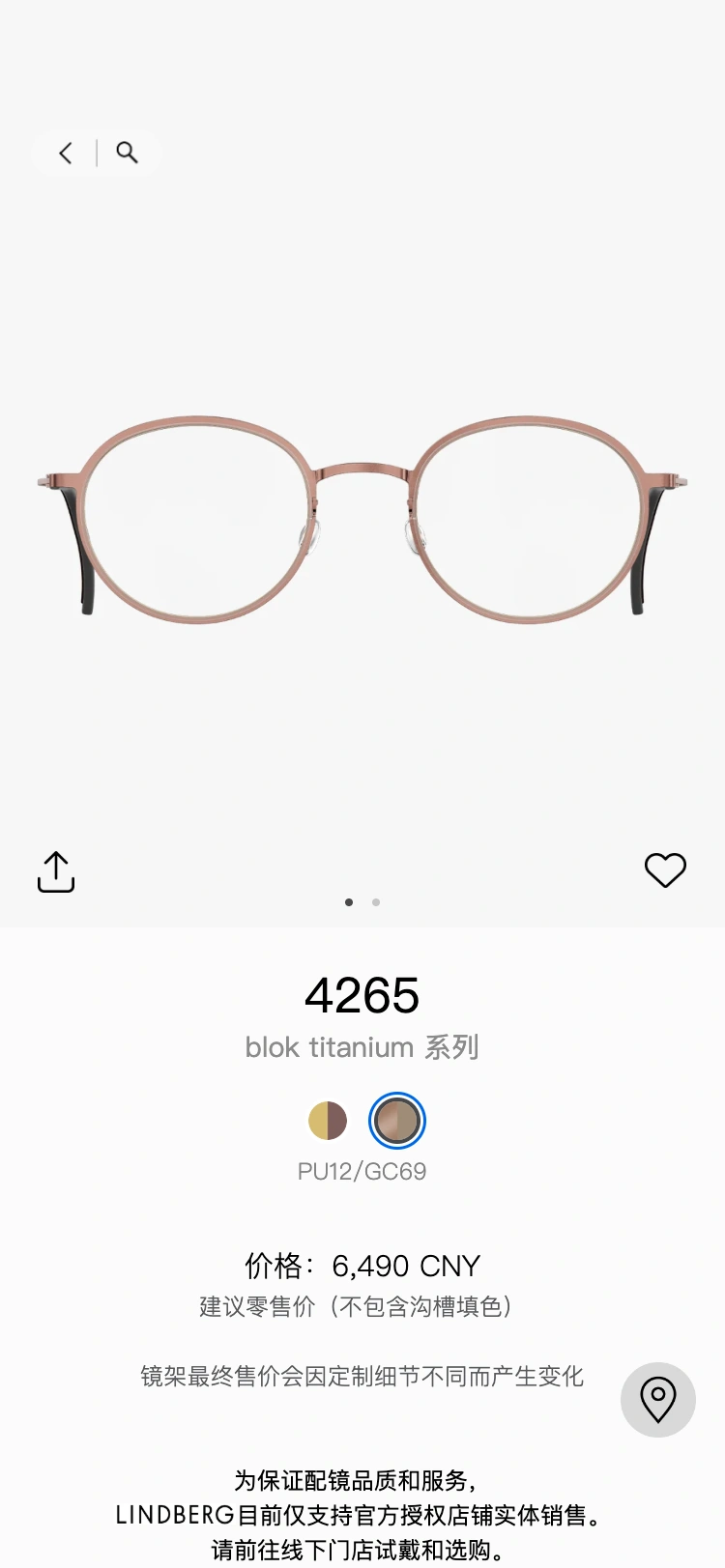
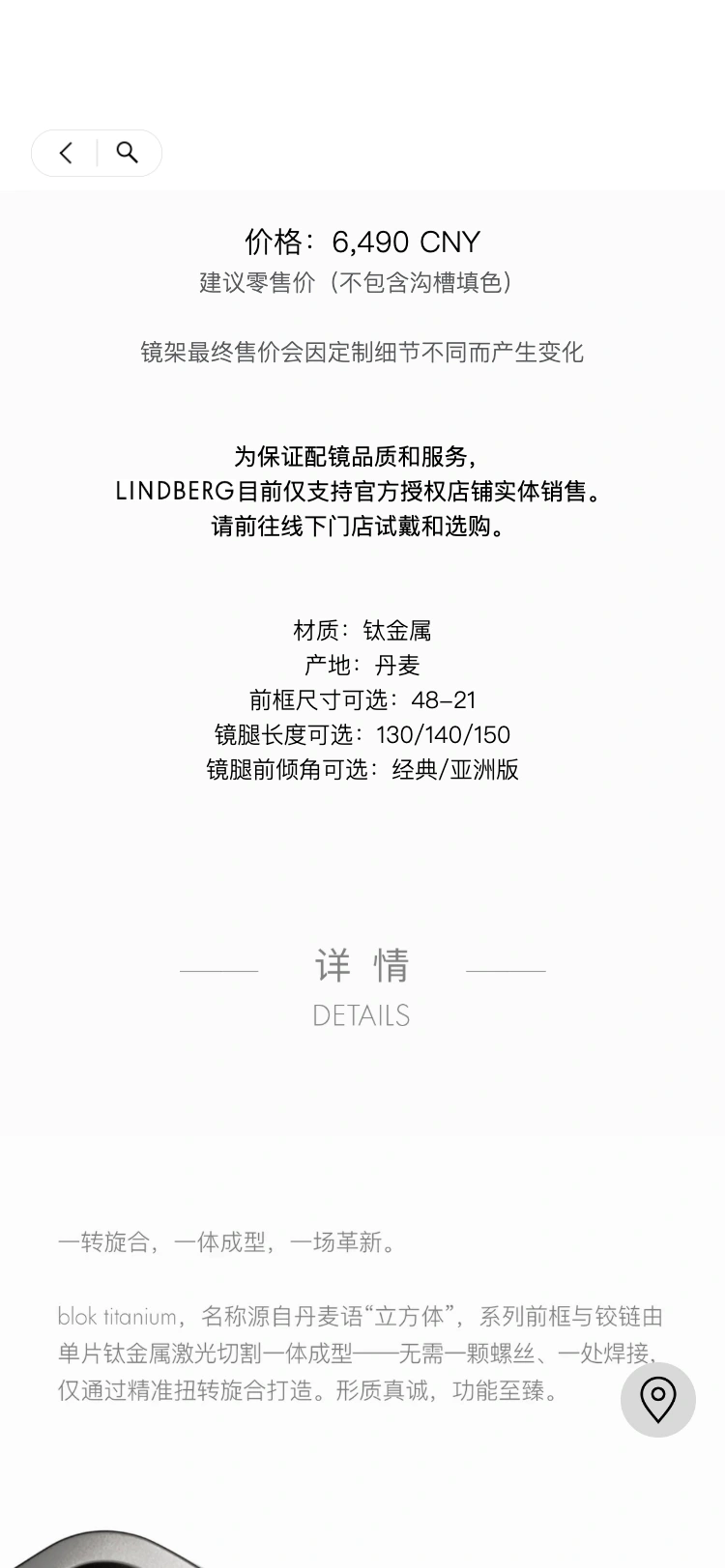
Inspect materials, sizing, temple options and craftsmanship.
Find a model
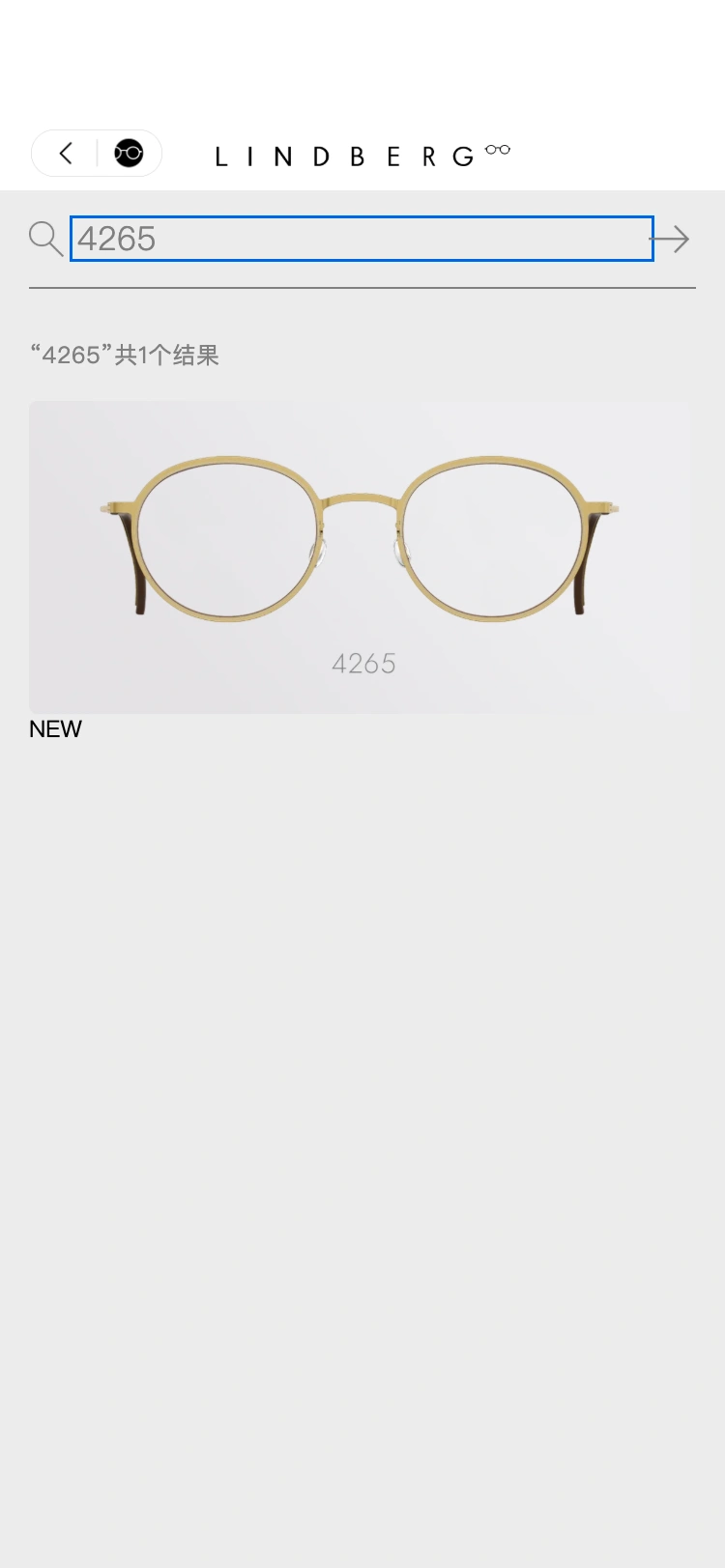
Search by model number and continue to its product details.
Discover LINDBERG
Brand content connects its history, approach and craftsmanship.
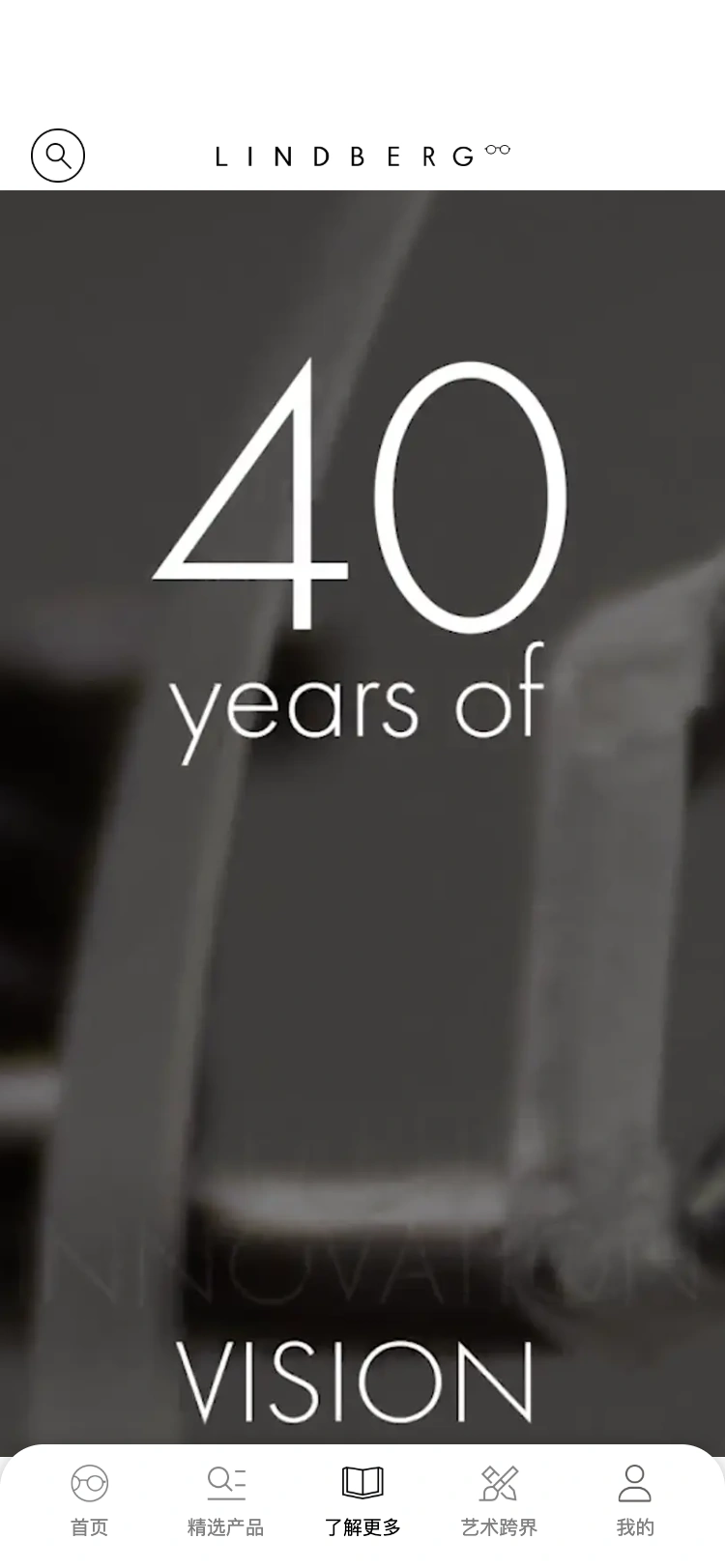
Read the brand story
Editorial images and galleries create a continuous brand narrative.
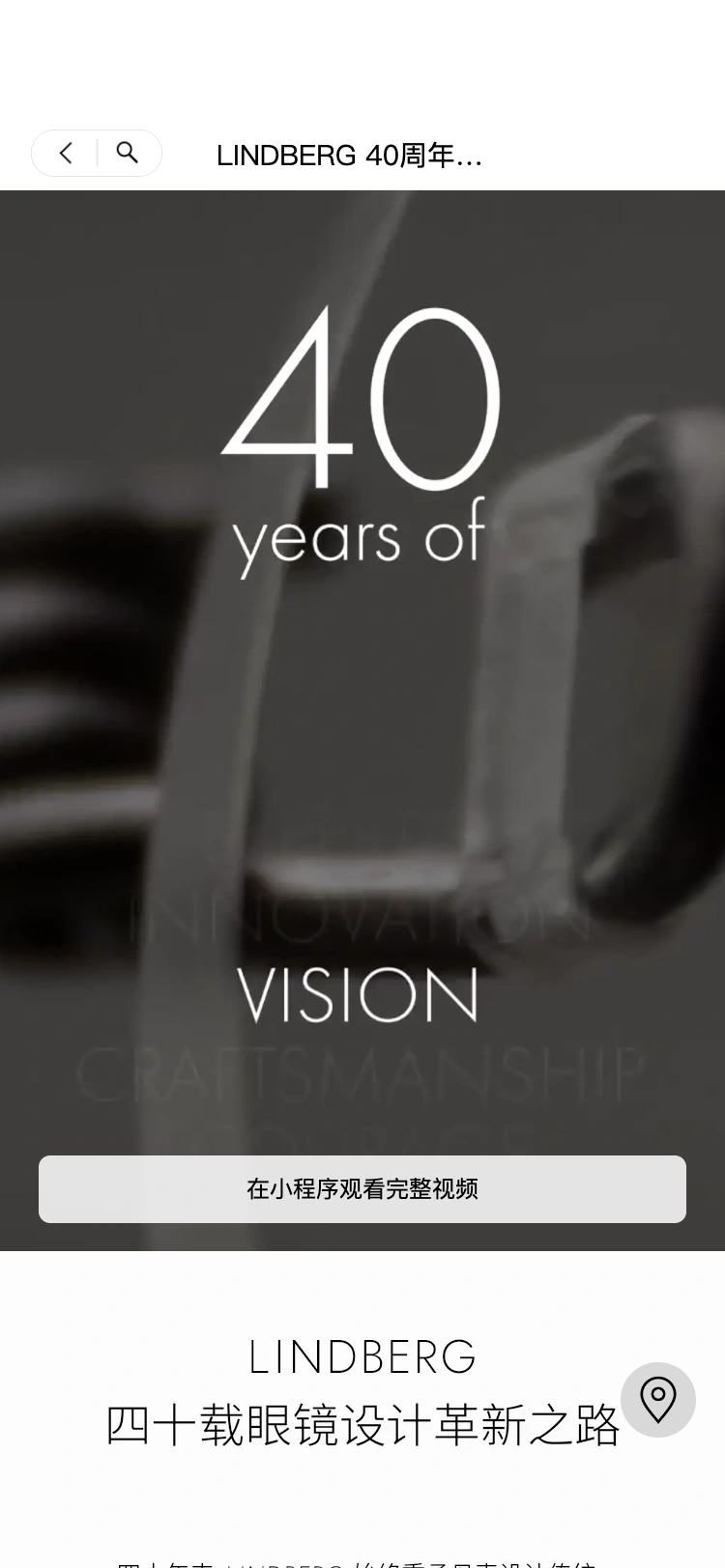
Where art meets design
Browse the brand’s art and design collaborations.
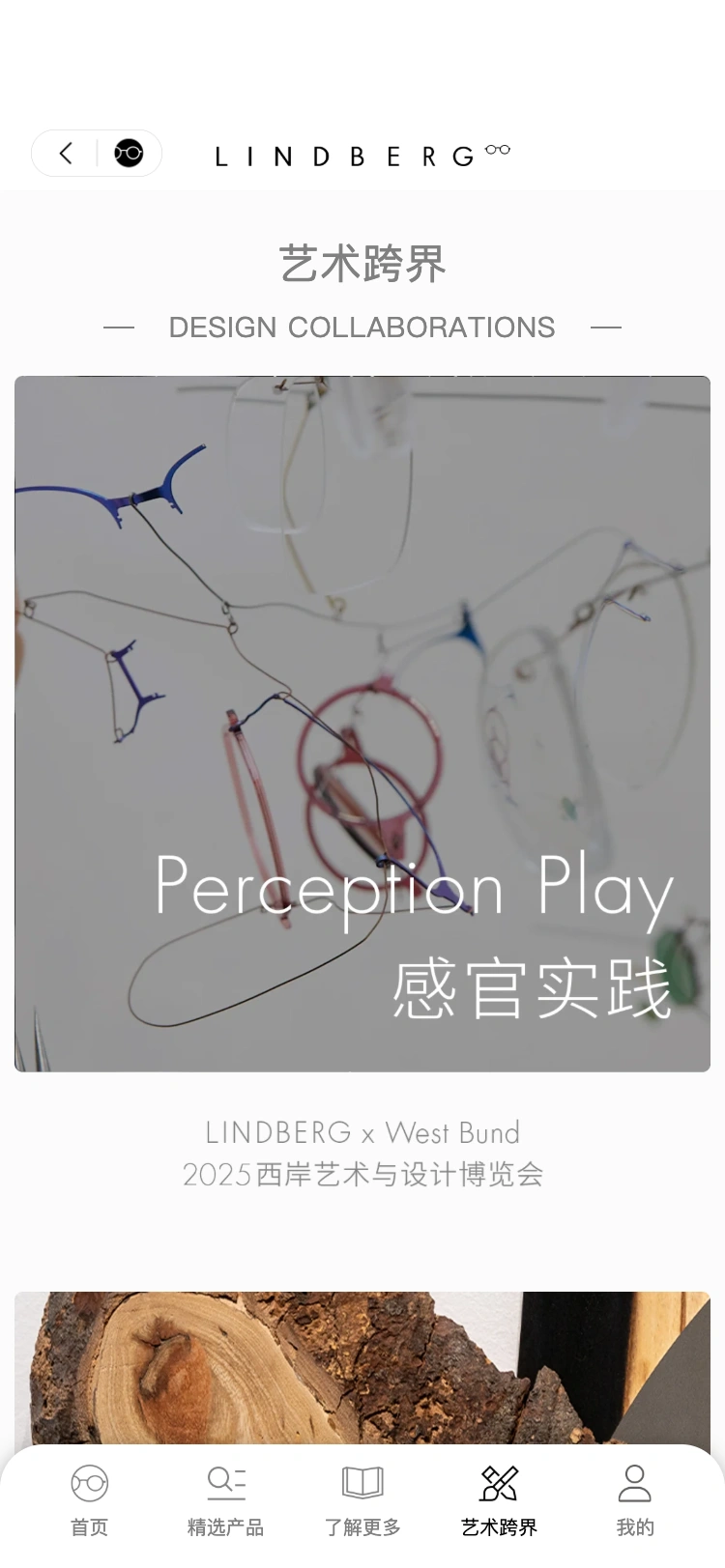
Inside a collaboration
Explore the work and its creative expression in an editorial feature.
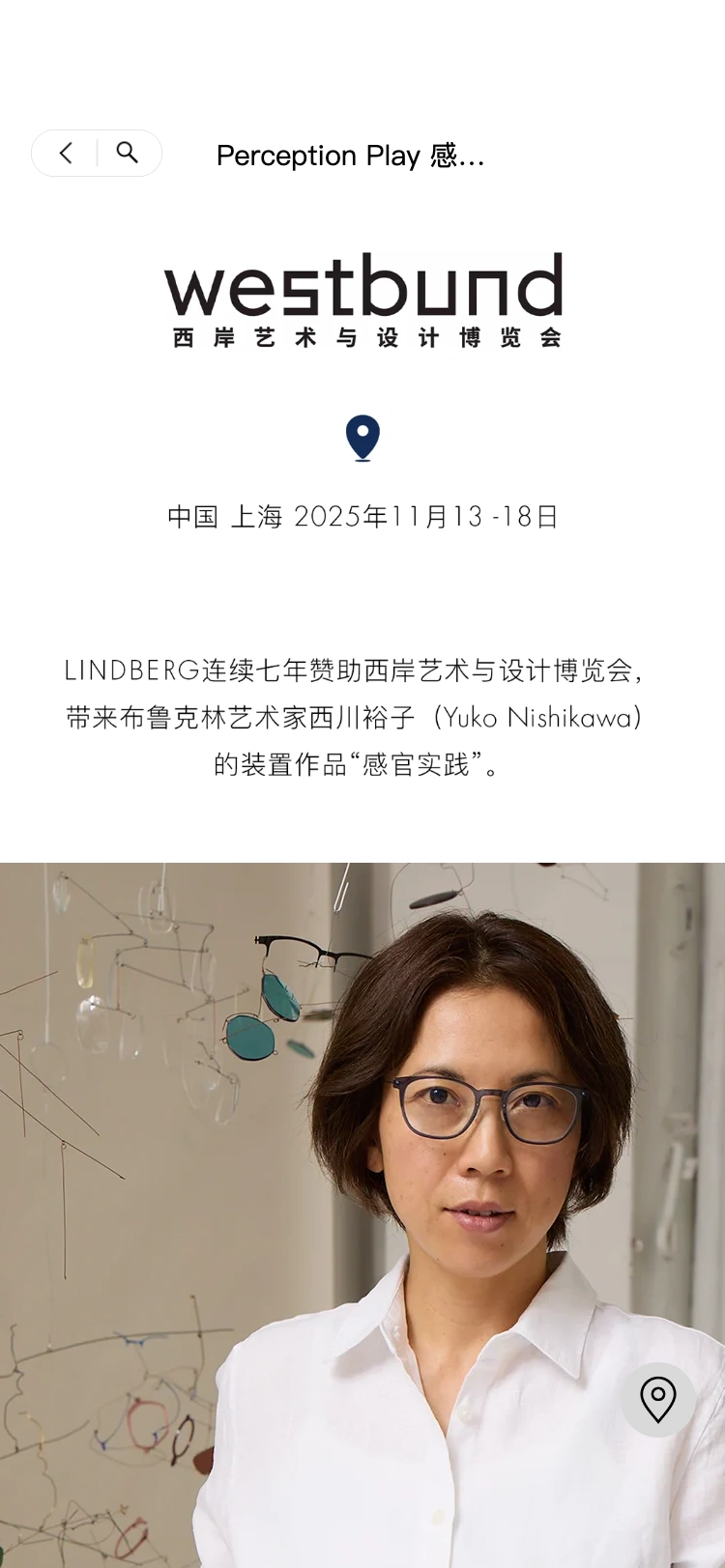
Bringing the brand experience into WeChat
The LINDBERG mini program connects brand content and frame exploration in one place. Visitors can start with campaign imagery, featured collections and new arrivals, learn about products, design and collaborations, then visit an authorised retailer to try on and purchase frames.
We developed the frontend and backend around this journey, connecting imagery, editorial content, navigation and product information across the experience.
From a collection to an individual frame
Explore materials and design
Collections are organised into titanium, precious metal and special editions. Category navigation helps visitors find a direction, while collection pages combine editorial imagery and product listings to lead into individual models.
Colours and specifications together
Product pages offer colour selection and image galleries alongside materials, origin, frame sizes, temple lengths and angle options. Expandable sections explain craftsmanship and customisation. Recommended retail pricing and guidance for in-store purchase help visitors understand a frame before trying it on.
A continuous path through the products
Search is available from the navigation for model numbers and keywords. Popular terms offer a starting point, while search history helps visitors return to previous interests. Product pages include a save action for favourite frames. Consistent back navigation, galleries and category changes keep movement between editorial content and products clear.
Brand stories are part of the experience
Discover the brand brings together its history, design approach and craftsmanship. Design collaborations introduces creative partnerships and their work. Editorial pages combine text, imagery, galleries and products, preserving the brand’s visual identity while connecting stories to relevant frames.
The frontend renders modules from content types supplied by the backend. Product information, collection content and editorial features share a structured approach that supports ongoing content updates.